
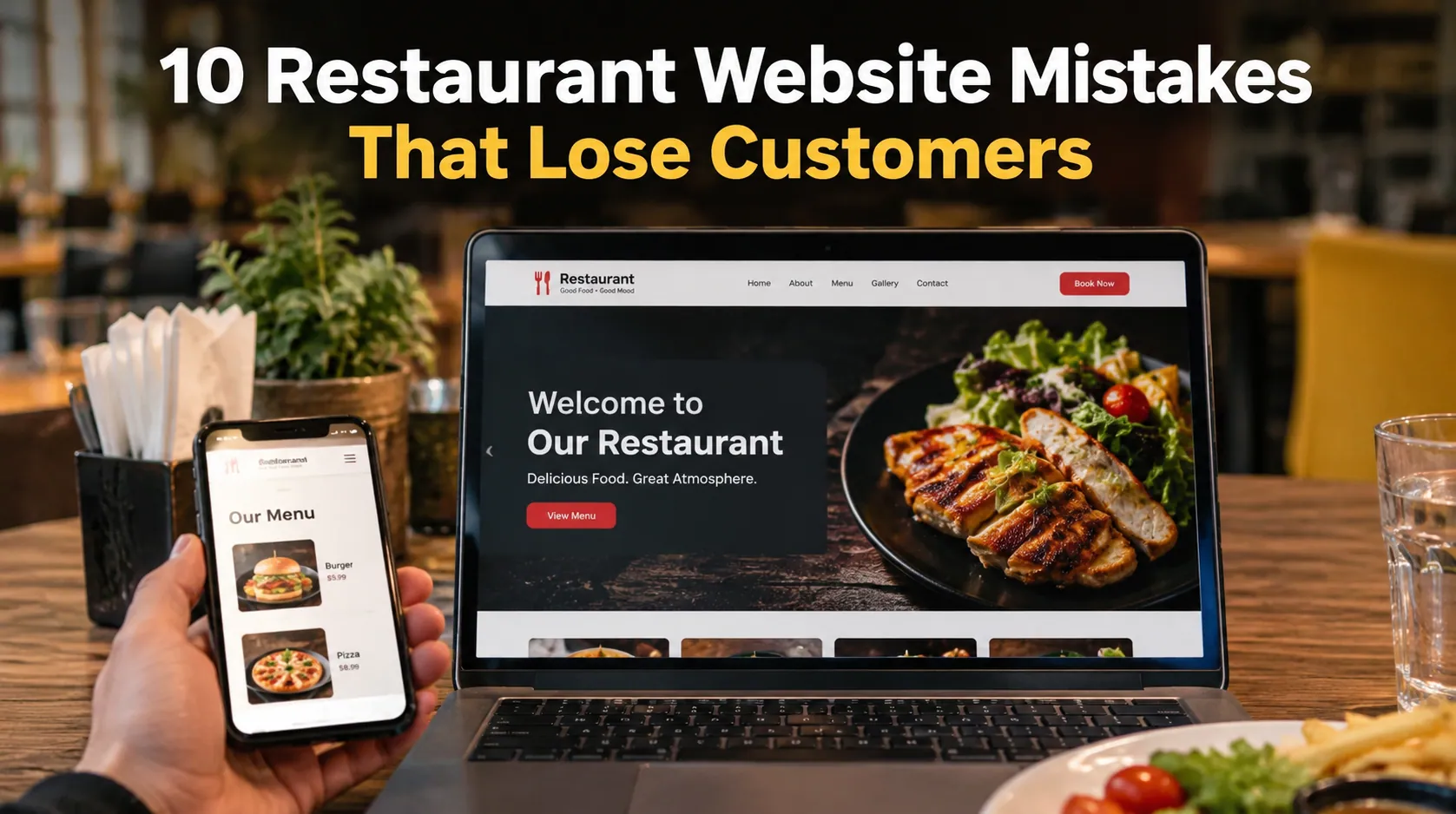
A restaurant website should make it easier for customers to choose your restaurant, view your menu, place an order, make a reservation, or find your location. When the website is slow, confusing, outdated, or difficult to use on a phone, customers do not usually wait around to figure it out. They leave and choose another restaurant.
This is why restaurant website design is not just about attractive photos and colors. Your website is part of the customer journey. It needs to answer basic questions quickly and make the next action obvious.
Google’s own guidance for restaurant Business Profiles emphasizes accurate business information, menus, photos, ordering options, reservations, and customer interactions.
Here are 10 restaurant website mistakes that could be costing you customers.
1. Your Website Is Not Mobile-Friendly
Most restaurant searches happen when people are ready to eat, and many of those searches happen on smartphones.
A customer may search for your restaurant while sitting in the car, walking through a shopping area, or deciding where to order dinner.
A website that looks good on a desktop but breaks on a phone creates an immediate problem.
Small text, difficult navigation, oversized images, buttons that are hard to tap, and menus that require excessive scrolling all create friction.
Your mobile website should make the important actions obvious:
- View the menu
- Order online
- Call the restaurant
- Get directions
- Make a reservation
- Check opening hours
The rule is simple: customers should not have to fight your website to order food.
2. Your Menu Is Difficult to Find
A customer visiting a restaurant website usually wants one thing very quickly: the menu.
Yet some restaurant websites hide the menu behind multiple clicks or upload a PDF that is difficult to read on a phone.
That creates unnecessary work for someone who may be comparing several restaurants.
Your menu should have a prominent place in the main navigation and should be easy to read on mobile devices.
Include useful details such as:
- Dish names
- Descriptions
- Prices
- Food categories
- Dietary information where relevant
- Popular or featured dishes
- Ordering options
Google provides restaurant Business Profiles with tools for managing menu sections, dishes, descriptions, prices, and menu URLs.
3. Your Online Ordering Button Is Hard to Find
A restaurant website should not make customers search for the order button.
Imagine someone searches for your restaurant, visits your website, decides what they want, and then cannot figure out how to order.
That customer may simply go somewhere else.
Place Order Online in a highly visible location. Use clear language rather than vague buttons such as “Get Started” or “Learn More.”
Google supports restaurant ordering links through Business Profiles, including custom links that can direct customers to pages where they can place an order.
The ordering page should take customers directly to the action rather than sending them through unnecessary steps.
4. Your Website Loads Too Slowly
A beautiful website is useless when customers leave before it finishes loading.
Large food images, unnecessary animations, poorly optimized code, excessive plugins, and slow hosting can all affect website performance.
Restaurant customers are especially impatient because their intent is immediate.
They are hungry.
They want to know what you serve, how much it costs, and how to get it.
Optimize your images, reduce unnecessary website elements, use reliable hosting, and regularly test your website on mobile devices.
Speed is part of the customer experience.
5. Your Restaurant Information Is Outdated
Nothing destroys trust faster than incorrect information.
Imagine a customer arrives at your restaurant because your website says you are open, only to discover that you closed early.
Or your website lists an old phone number.
Or your menu shows prices that no longer match the actual menu.
Restaurants need to keep important information updated, including:
- Address
- Phone number
- Opening hours
- Holiday hours
- Menu
- Prices
- Reservation information
- Delivery areas
- Pickup options
Google recommends keeping restaurant Business Profile information complete and accurate, including address, phone number, hours, services, menu details, and ordering options.
Your website and Google Business Profile should tell the same story.
6. Your Website Does Not Clearly Explain What Makes Your Restaurant Different
“Best food in town” is not enough.
Customers need a reason to choose you.
Maybe your restaurant specializes in authentic Mexican food. Perhaps you offer halal dishes, family dining, vegan options, wood-fired pizza, late-night meals, catering, or a signature menu item.
Your homepage should communicate that difference quickly.
For example:
Weak:
“Welcome to our restaurant.”
Better:
“Authentic Neapolitan pizza made fresh daily in downtown Austin.”
The second version tells the customer what the restaurant offers and where it is.
Your website should answer three questions quickly:
What do you serve? Where are you located? Why should I choose you?
7. Your Restaurant Photos Do Not Make the Food Look Appetizing
Restaurants sell an experience, and visuals play a huge role in that experience.
Low-quality food photos can make good food look unappealing. Stock images can make the restaurant feel generic. Old photos may no longer represent the actual dining space.
Use real, high-quality images of:
- Signature dishes
- Dining areas
- Restaurant exterior
- Staff
- Drinks
- Desserts
- Popular menu items
- Special events
Google specifically recommends photos and videos for restaurant Business Profiles to show customers the restaurant, its products, and the overall dining experience.
Good photography should make someone think, “I want that.”
8. Your Website Makes Customers Work Too Hard
Good restaurant websites remove questions instead of creating them.
A customer should not need to hunt through five pages to find your address.
They should not need to zoom into an image to read your menu.
They should not have to create an account just to place a simple pickup order.
They should not have to call the restaurant to find out whether you are open.
Every extra step creates another opportunity for the customer to leave.
Look at your website from the customer’s perspective and ask:
Can I find what I need within a few seconds?
If the answer is no, simplify it.
9. Your Website Is Not Optimized for Local Search
A restaurant can have an excellent website and still struggle to attract nearby customers when its local SEO is weak.
Your website should clearly establish your restaurant’s location and services.
Relevant information may include:
- City and neighborhood
- Restaurant type
- Cuisine
- Service areas
- Delivery options
- Pickup options
- Dining options
- Location-specific content
Local SEO helps search engines understand which searches your restaurant is relevant to.
Google says local results are primarily influenced by relevance, distance, and prominence. Complete business information helps Google understand what a business does and where it operates.
This is why your website should not be written only for search engines. It should clearly describe the restaurant for real people.
10. Your Website Does Not Give Customers a Clear Next Step
This is one of the biggest mistakes.
A visitor lands on your website. They look at your food. They read about your restaurant.
Then what?
A strong restaurant website gives customers a clear action.
Depending on the business, that might be:
Order Online
Reserve a Table
View Menu
Call Now
Get Directions
Book Catering
Don’t bury these actions at the bottom of the page.
Google’s restaurant Business Profile features include options for online ordering and reservations, making these actions an important part of a restaurant’s digital presence.
Your website should guide customers naturally from interest to action.
How Can Restaurants Fix These Website Problems?
Start with the customer journey.
Open your website on your phone and pretend you have never visited it before.
Can you immediately tell:
- What type of restaurant it is?
- Where it is located?
- When it is open?
- What is on the menu?
- How much the food costs?
- How to order?
- How to make a reservation?
- How to contact the restaurant?
Then test the actual actions.
Click the menu.
Try placing an order.
Try calling.
Try finding directions.
Try making a reservation.
You may find problems that are invisible when you only look at the website from an owner’s perspective.
What Should a Restaurant Website Include?
A restaurant website does not need dozens of pages. It needs the right information in the right places.
A strong restaurant website typically includes:
- A clear homepage
- Easy-to-find menu
- Online ordering
- Reservation option where applicable
- Restaurant location
- Opening hours
- Phone number
- High-quality food photography
- About section
- Contact information
- Local SEO elements
- Mobile-friendly design
- Clear calls to action
- Links to relevant social profiles
- Customer reviews or testimonials where appropriate
For restaurants, the website should function as more than an online brochure. It should help customers make a decision and take action.
Why Does Restaurant Website Design Matter for Revenue?
A restaurant website sits between discovery and purchase.
Someone finds your restaurant through Google, social media, a recommendation, or a direct search. The website then helps them decide whether to order, visit, or move on.
That means small website problems can have a real business impact.
A confusing menu can lose an order.
A slow page can lose a visitor.
An outdated phone number can lose a reservation.
A hidden order button can lose a customer.
Poor mobile design can send someone to a competitor.
The good news is that these problems are fixable.
Build a Restaurant Website That Helps Customers Choose You
Your restaurant website should not simply look good. It should help hungry customers take action.
That means fast pages, clear menus, strong food photography, accurate information, mobile-friendly design, local SEO, simple ordering, and obvious calls to action.
At Copixels, restaurant-focused digital solutions can help businesses build a stronger online presence, improve their website, support online ordering, and create a better path from search to customer.
The goal is straightforward: make it easier for customers to find your restaurant, understand what you offer, and order from you.
Frequently Asked Questions
How often should a restaurant update its website?
Review your website whenever your menu, prices, hours, services, location, or ordering process changes. Restaurants should perform regular checks to make sure important information remains accurate.
Should a restaurant have a separate mobile website?
A separate mobile website is usually unnecessary. A responsive website that automatically adapts to different screen sizes is generally a better approach.
Should restaurant menus be PDFs?
A PDF can be useful as an additional menu format, but it should not be the only way customers access your menu. A mobile-friendly HTML menu is easier to browse and update.
How important is online ordering on a restaurant website?
It depends on the restaurant’s business model, but online ordering is highly valuable for restaurants that offer pickup or delivery. The ordering path should be easy to find and complete.
Can a restaurant website improve local SEO?
Yes. A properly structured website can help communicate the restaurant’s location, cuisine, services, and other relevant information to search engines. It works alongside the restaurant’s Google Business Profile and other local signals rather than replacing them.


No comment